
Booklly for iPhone and iPad
Write tonight's story from one idea, read the draft, then listen together with the lights low.


Android app coming soon.
Free to download. Sign in with your Booklly account, or create one in the app.
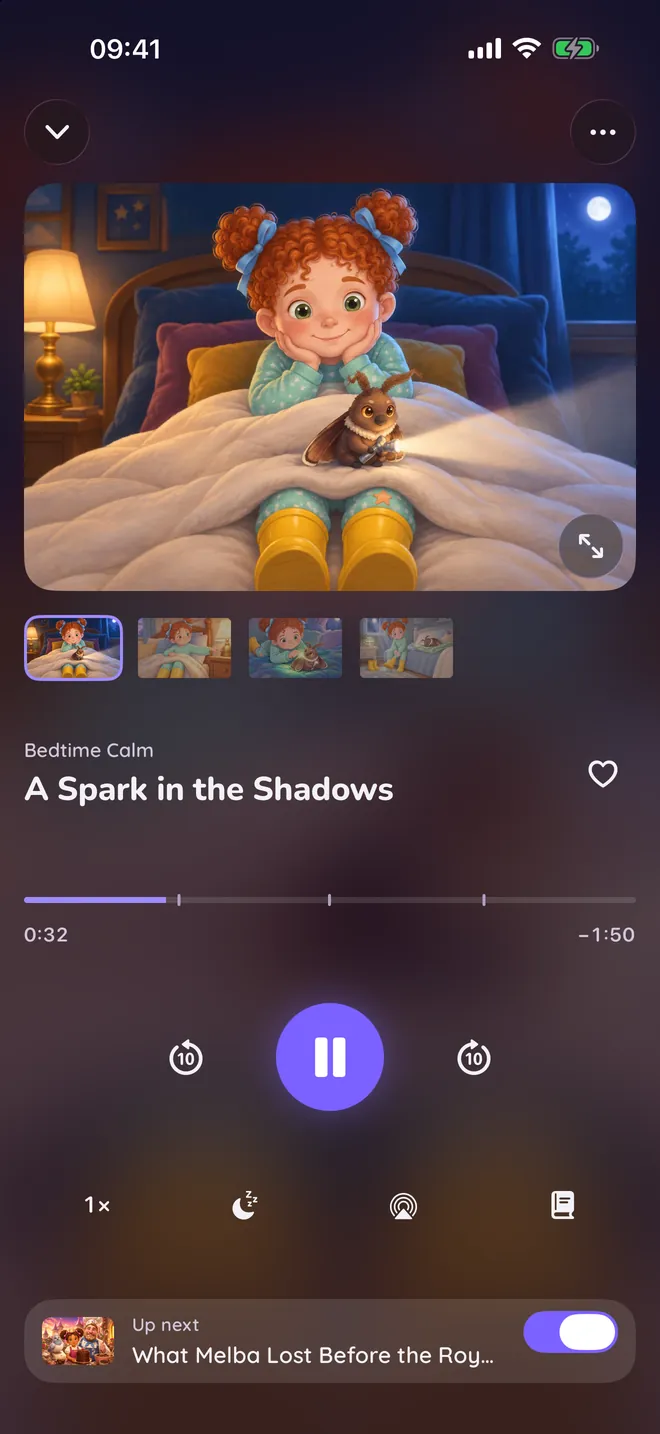
One evening in the app
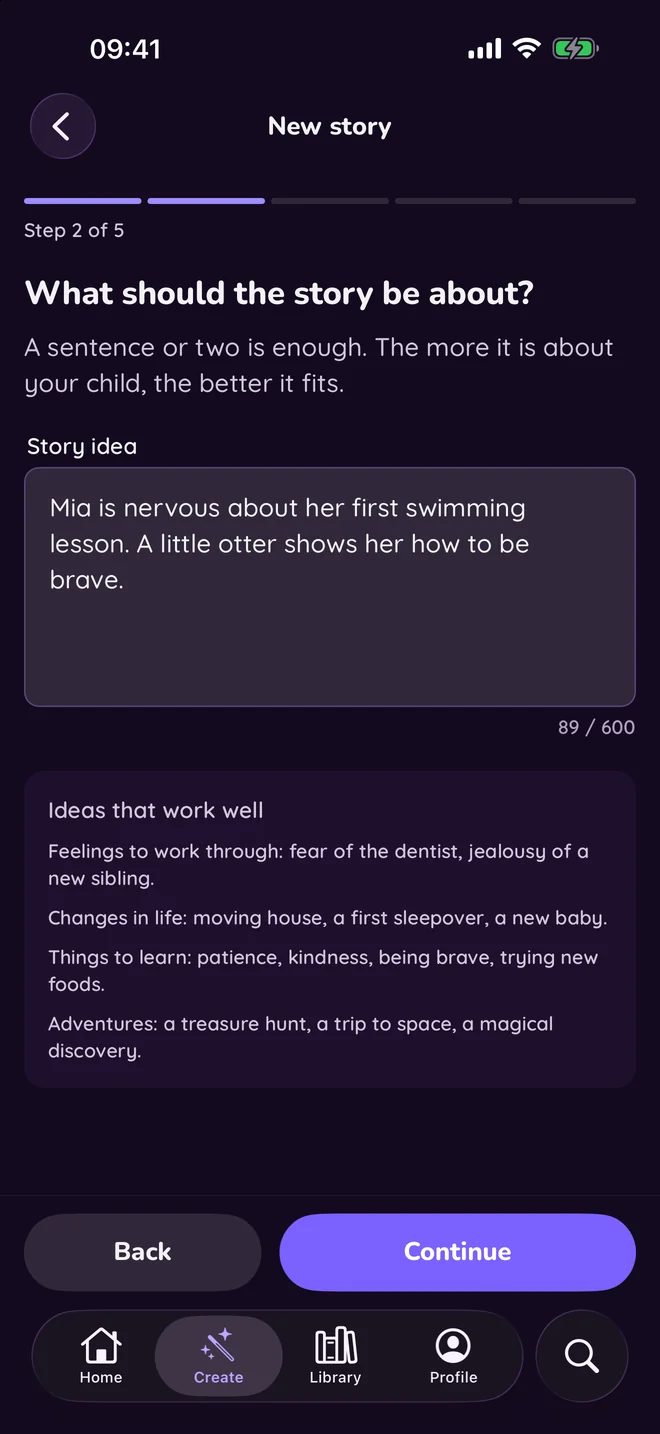
Start with one idea
A sentence or two is enough.
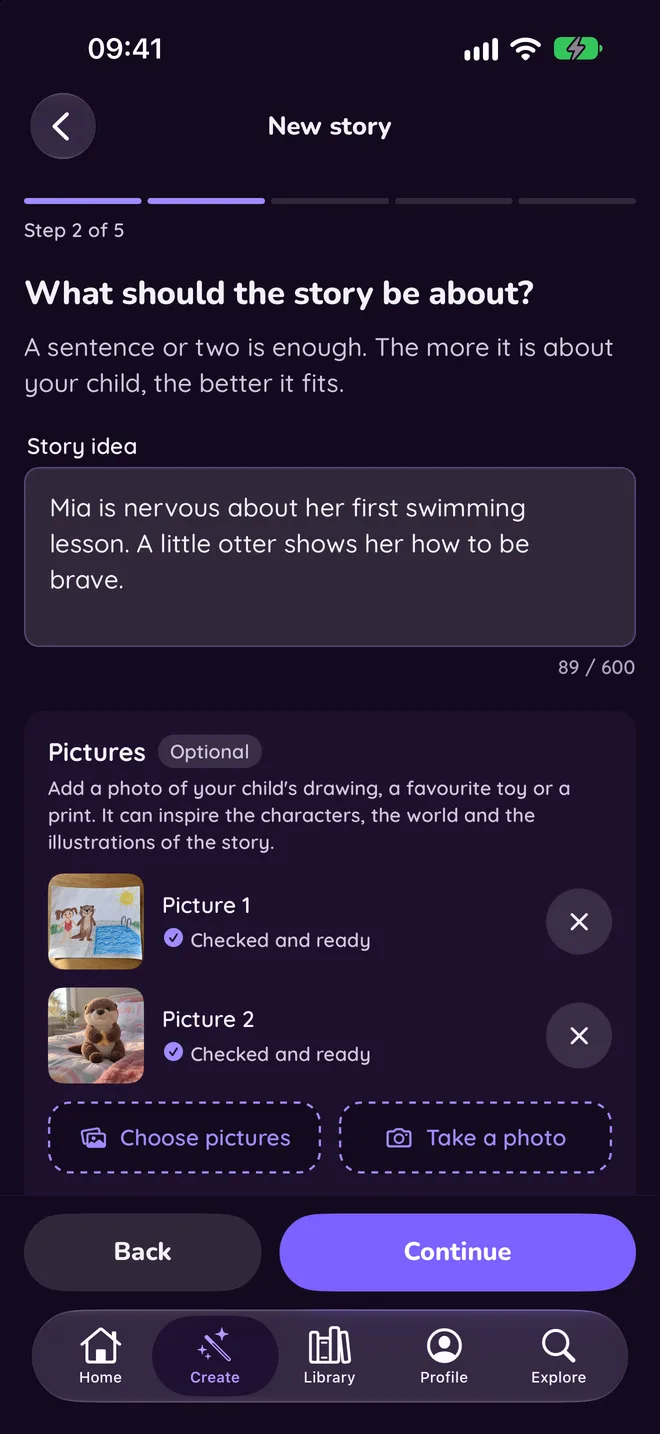
Add your child's drawing
A drawing, a toy or a picture inspires the story and its characters.
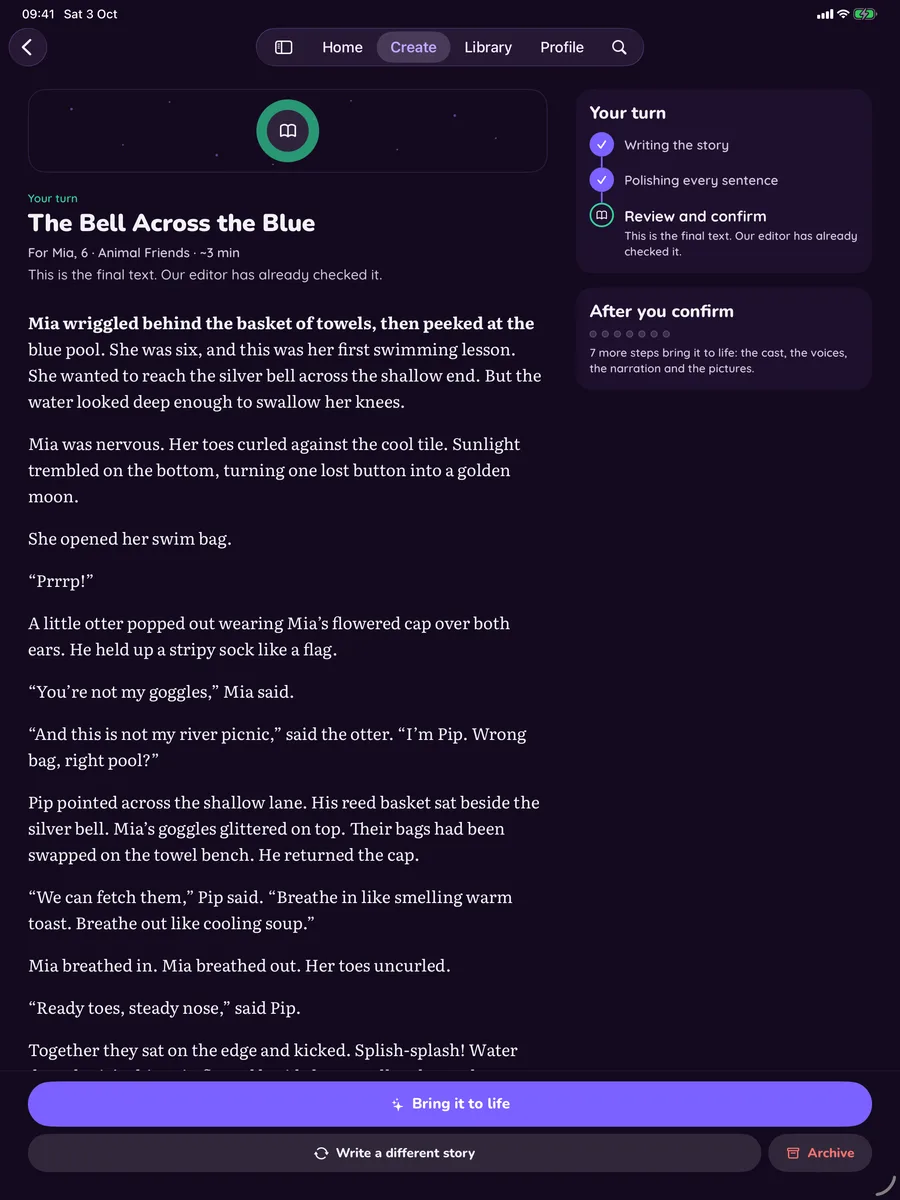
You read it first
Nothing is painted or narrated until you say so.
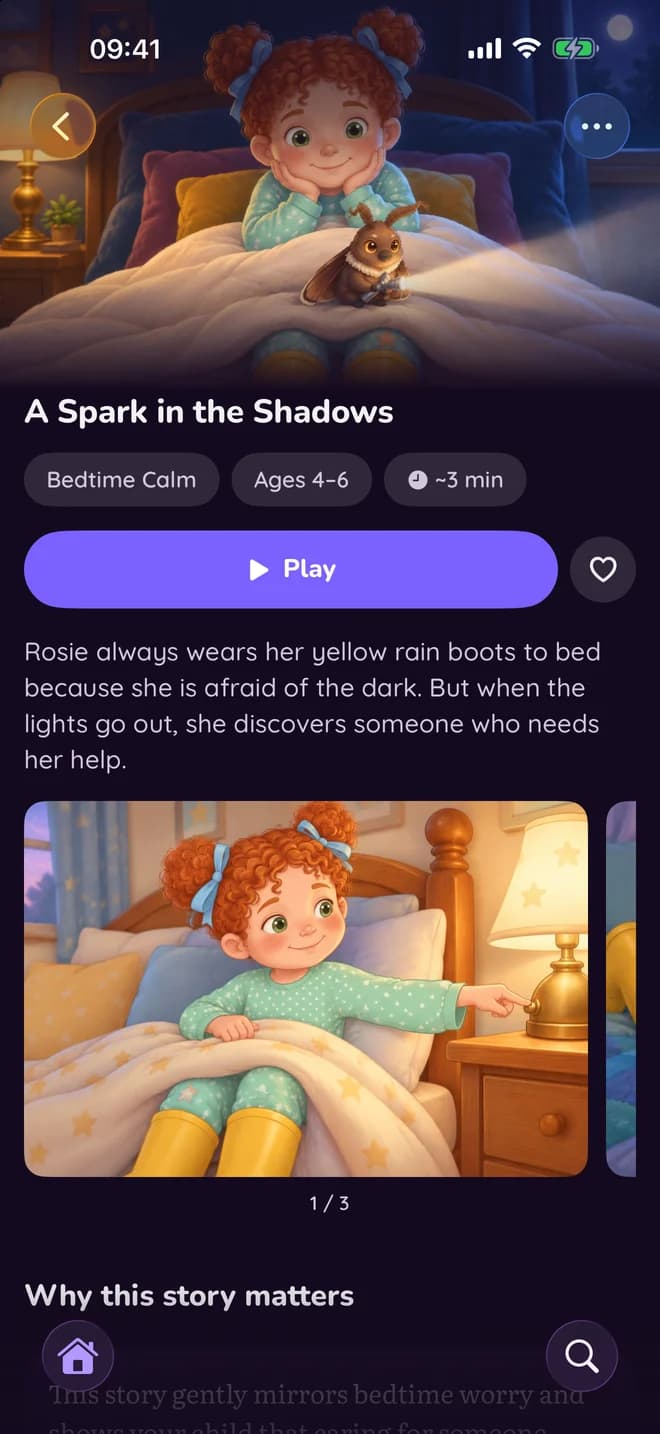
Illustrated, scene by scene
Every story gets a cover and a picture for each scene.
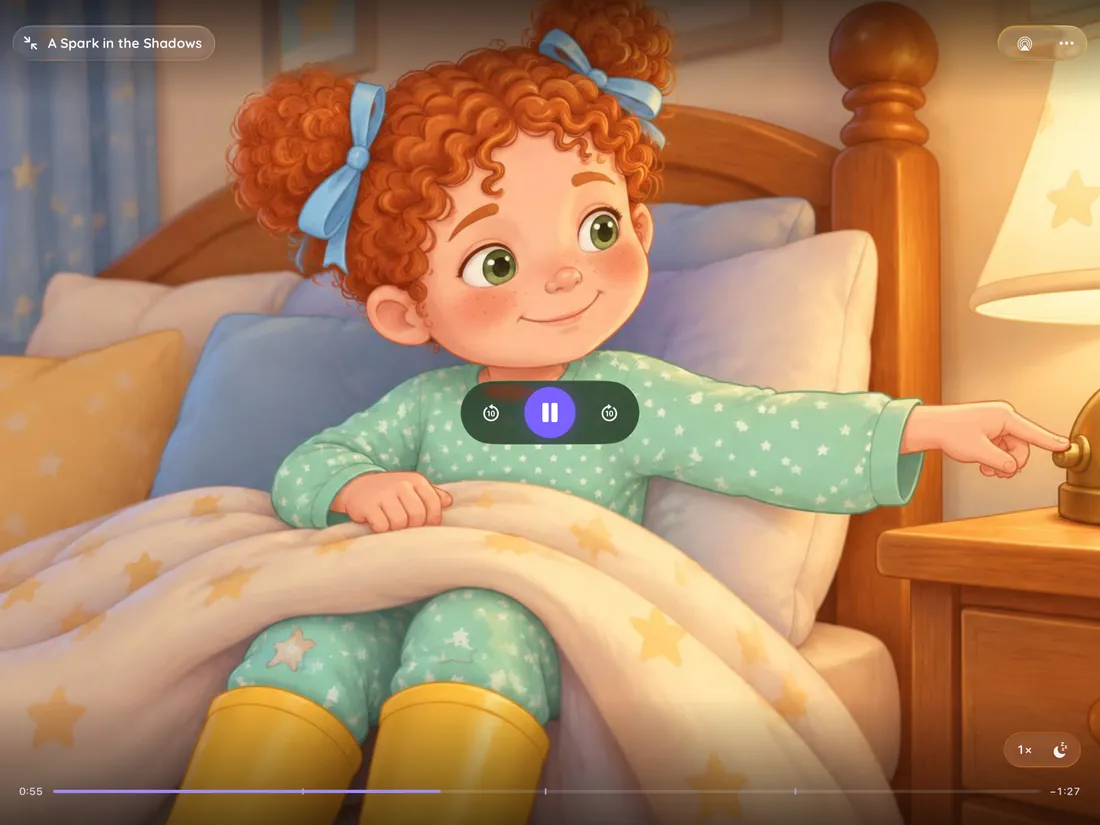
On a tablet, the pictures fill the screen
Cinema mode shows each picture full screen while the story plays.
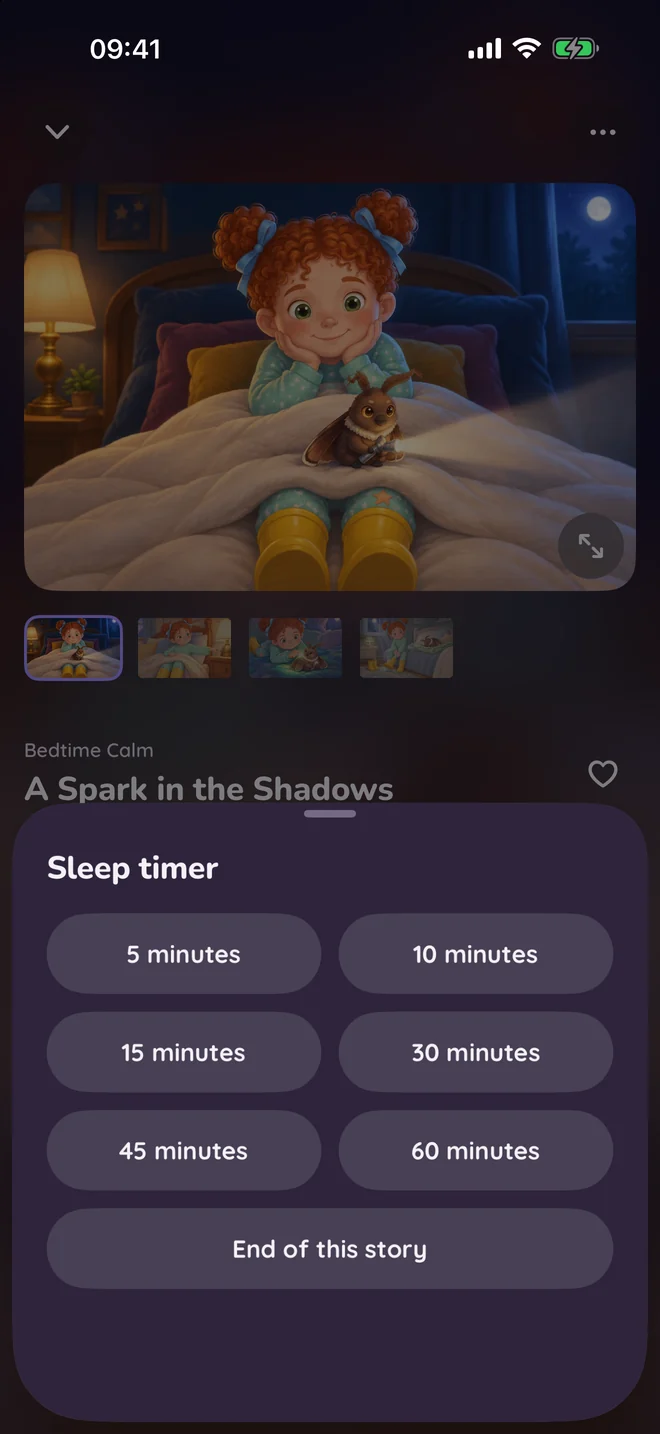
Read aloud, with a sleep timer
Set it, and the story stops on its own.
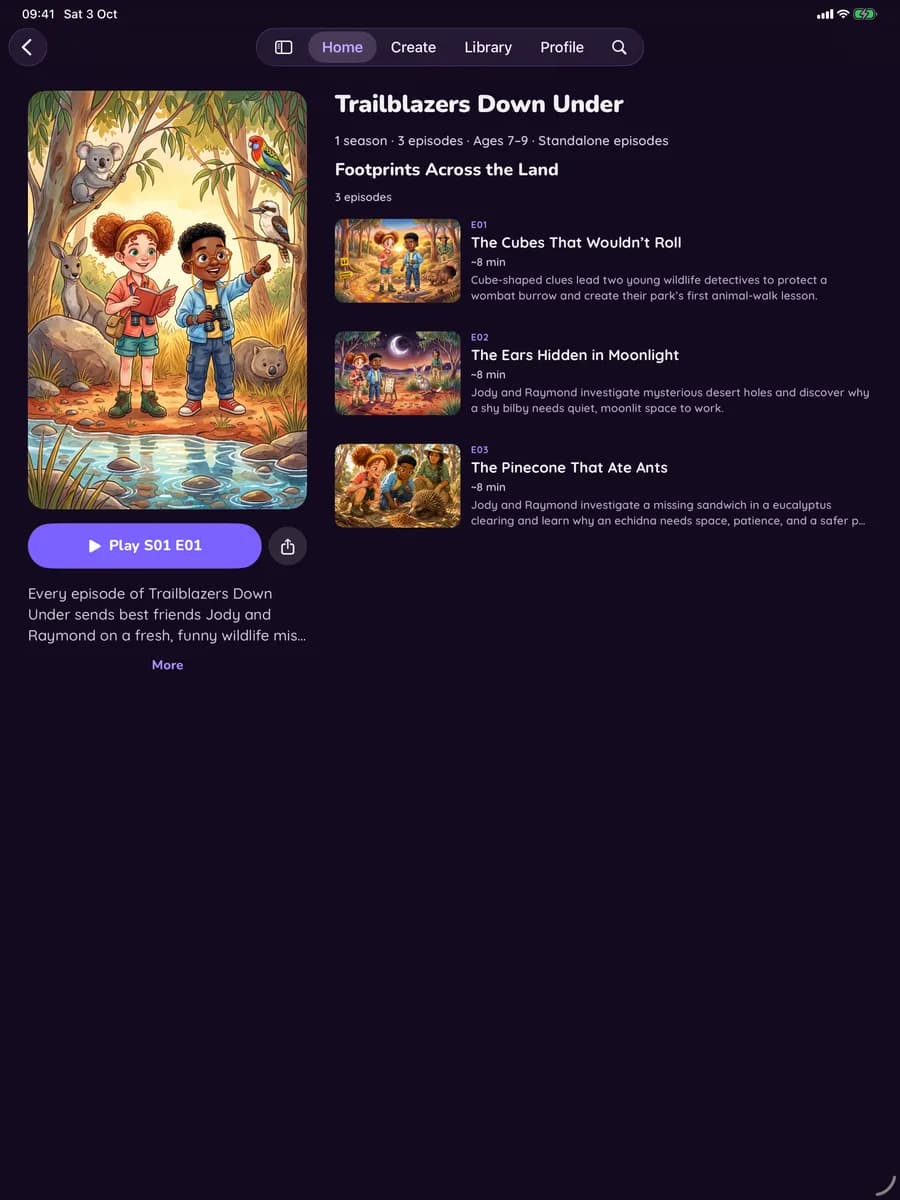
Same heroes, new episodes
A series keeps its characters and their voices.
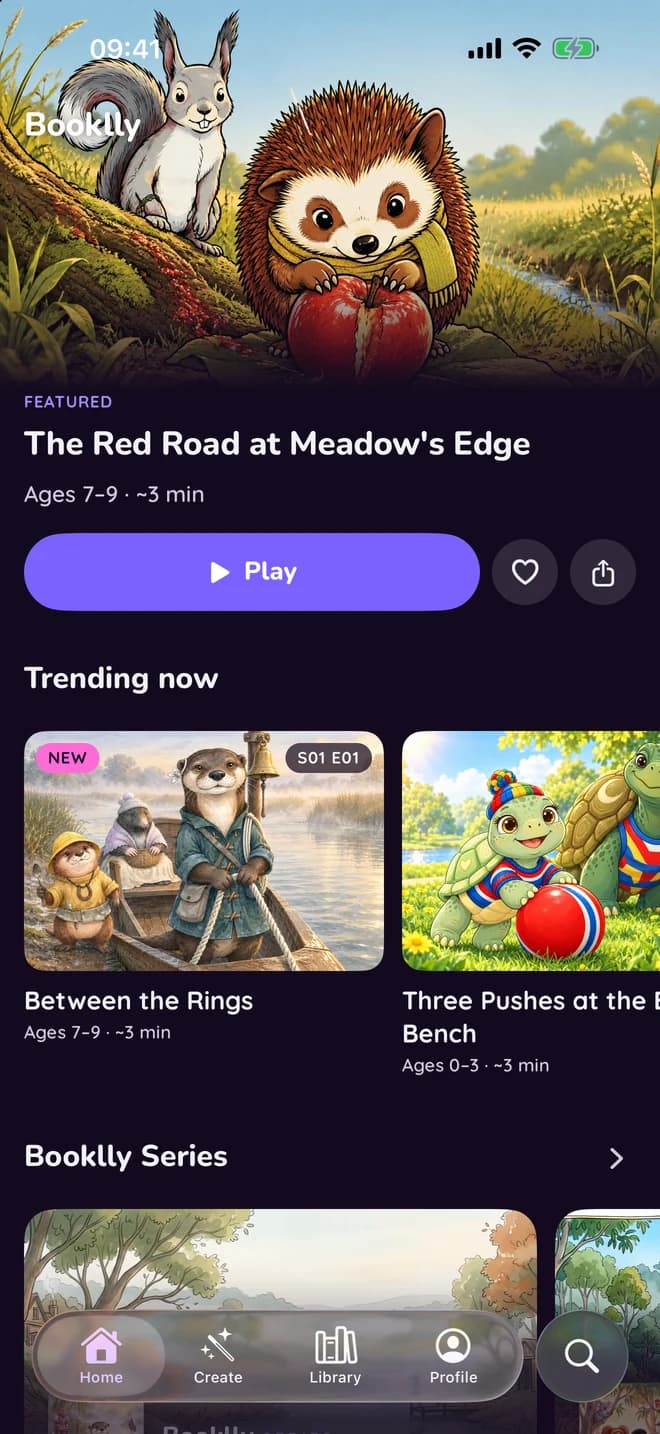
A library for every evening
Carry on where you stopped, or find something new.
Made for the end of the day
- Start from a drawing
- Add up to 3 pictures to the idea: a drawing, a toy or a print. They inspire the story and its characters, and are never shown to other families.
- Sleep timer
- Set it, and the story stops on its own.
- Up next
- When a story ends, the next one starts, even with the phone locked.
- A note when it's ready
- The app tells you when a story or a new episode is ready.
- Pictures, full screen
- On a tablet, cinema mode fills the screen with each picture as the story plays.
- Back where you stopped
- A story you paused picks up where you left it.
- Or read it yourself
- Read the story aloud yourself, at a text size you choose.
- One account
- Stories you make on the web are in the app, and the other way round.